
Table of Contents
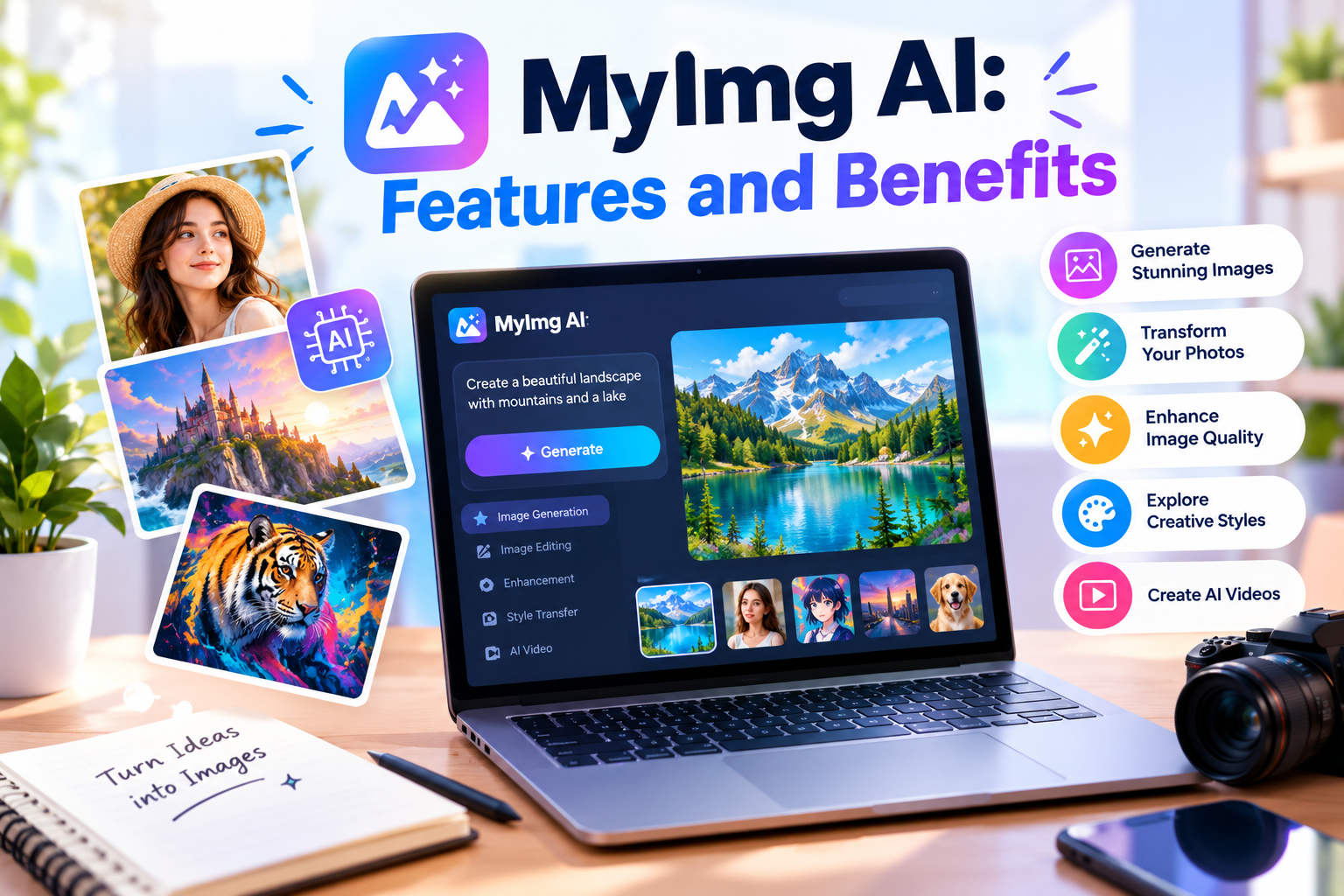
MyImg AI is an artificial intelligence platform designed to help users create, transform, and enhance visual content through automated tools. As AI technology continues to develop, platforms such as MyImg AI are attracting attention from people who want to experiment with digital images without requiring advanced photography or graphic design skills. The platform focuses on AI-powered image generation and photo transformation, making it relevant to users interested in creative projects, personalized visuals, and modern digital content.
Understanding MyImg AI requires looking beyond its name and examining its available tools, potential applications, usability, pricing structure, and privacy considerations. AI image platforms can offer convenient ways to explore visual ideas, but their results depend on the quality of the technology, the instructions provided by users, and the limitations of the underlying models. Therefore, anyone considering MyImg AI should understand what it offers before investing time or money.
This guide explores MyImg AI in detail, including its main features, creative applications, advantages, limitations, account considerations, and responsible usage practices. It also explains how users can evaluate AI-generated images, protect personal information, and determine whether an image creation platform fits their individual needs. The goal is to provide practical information that helps readers make informed decisions.
What Is MyImg AI?
MyImg AI is a web-based AI image creation and transformation service associated with tools for generating visual content and modifying existing images. Instead of relying entirely on traditional editing software, users can interact with AI-powered features to explore different visual styles and produce images based on their creative instructions. Depending on the tools available to an account, the experience may include text-based generation, image-to-image transformation, enhancement, and other automated visual effects.

The main idea behind MyImg AI is to simplify creative processes that might otherwise require specialized software or considerable editing experience. Traditional image editing often involves adjusting layers, masks, lighting, colors, and individual objects manually. AI-powered systems can automate parts of this work, allowing users to concentrate on the concept they want to achieve rather than every technical step.
However, MyImg AI should not automatically be considered a replacement for professional image editing software. AI-generated results can contain visual inconsistencies, inaccurate details, or unexpected changes. Professional projects may still require manual corrections, careful quality checks, and additional editing before the final image is ready for publication.
The exact experience also depends on the platform’s current features, usage limits, supported file formats, and available plans. Because online AI services can change their interfaces and pricing, users should check the official website before relying on specific features or purchasing credits.
How MyImg AI Works
MyImg AI uses an AI-based workflow to turn user instructions or supplied images into modified visual results. In a text-to-image workflow, the user describes the desired scene, subject, appearance, lighting, background, and artistic style. The system then processes the description and attempts to generate an image that reflects the instructions.
For image transformation, users typically begin with an existing picture and select an appropriate tool or provide instructions describing the desired changes. The AI system analyzes the source image and produces a modified version according to the requested transformation. The degree of change depends on the particular feature, the source material, and the model’s capabilities.
A successful result usually begins with a clear idea. Instead of entering a vague instruction such as creating something beautiful, a user might describe a portrait with soft natural lighting, a simple background, realistic skin texture, and balanced colors. More specific instructions give the system clearer guidance, although they cannot guarantee perfect results.
After generation, users should inspect the output carefully. Facial details, fingers, text, object boundaries, shadows, and background elements can sometimes appear unnatural. Producing several variations may help users identify a more suitable result. When necessary, they can refine their instructions or use another editing tool to correct small problems.
This process makes MyImg AI potentially useful for experimentation, but it remains important to remember that AI does not understand creative instructions exactly as a human designer would. The system generates results from learned patterns and computational processes, so occasional errors are normal.
Main Features of MyImg AI
The available features are an important consideration when evaluating MyImg AI. Different tools can serve different creative needs, and users should confirm which options are currently accessible on the platform rather than assuming every advertised capability is included in every plan.
AI Image Generation
AI image generation allows users to create visual content from written descriptions. This approach can help people explore ideas for illustrations, fictional scenes, decorative graphics, concept art, and other creative projects. Instead of searching through large collections of stock images, users can experiment with descriptions that reflect their particular requirements.
For example, a user creating a travel blog might request an imaginary mountain landscape with morning sunlight and atmospheric clouds. A small business owner might explore concepts for a product background or promotional illustration. These examples demonstrate how text prompts can help translate an initial idea into a visual starting point.
The quality of generated images depends on prompt clarity, model capabilities, and the complexity of the requested scene. Users may need several attempts to achieve a satisfying result.
Image-to-Image Transformation
Image-to-image tools work with an existing visual reference and attempt to transform it according to selected settings or written instructions. This approach can be useful when users want to explore a different artistic appearance without starting entirely from scratch.
A photograph, for example, might serve as a reference for an illustration, a stylized portrait, or a different visual atmosphere. The original image provides information about composition and subject placement, while the AI introduces the requested changes.
However, transformations can alter important details. Users should compare the final result with the original and make sure that essential characteristics remain accurate. This is particularly important when editing images intended for professional portfolios, business presentations, or documentary purposes.
Artistic Styles and Creative Effects
AI image platforms commonly provide ways to explore different visual styles. Depending on the available MyImg AI tools, users may encounter options associated with realistic imagery, cartoons, anime-inspired artwork, or other creative appearances.
These transformations allow experimentation without requiring advanced illustration skills. A creator might test several visual directions for a fictional character before choosing one for a larger project.
Nevertheless, stylistic consistency can be challenging. If users need multiple images featuring the same character, they may need carefully prepared reference images and consistent prompts. Small differences between generations can otherwise produce noticeable changes in facial appearance, clothing, proportions, or colors.
Image Enhancement
Image enhancement focuses on improving the appearance or usability of existing pictures. Depending on the available functionality, enhancement tools may attempt to improve sharpness, adjust visual clarity, or create a cleaner presentation.
Such tools can be useful for preparing images for websites, presentations, or personal creative collections. They may also help users experiment with photographs that appear less polished than desired.
Enhancement does not guarantee the recovery of information that was never captured in the original image. A blurry photograph can remain imperfect, and artificial sharpening may introduce unwanted textures. Users should evaluate the result at its intended display size rather than relying only on a small preview.
AI Video and Related Visual Tools
Some versions or offerings associated with MyIMG provide AI video generation or video transformation alongside image features. These capabilities may include short generated clips or other automated visual processing, depending on the selected product and current plan.
Video tools can expand creative possibilities by helping users experiment with motion and short promotional concepts. However, video generation may consume credits differently from image creation, and supported durations, processing requirements, and output quality can vary.
Anyone planning to use MyImg AI for video should verify the available limits and export options before beginning a larger project. This avoids unexpected restrictions when a project requires several clips or repeated attempts.
Benefits of Using MyImg AI
One potential benefit of MyImg AI is accessibility. People without formal design training can experiment with visual concepts through prompts and automated tools. This lowers the initial learning barrier associated with certain creative tasks and allows beginners to explore ideas before learning more advanced editing techniques.
Another advantage is speed. Creating a preliminary concept through AI can take less time than manually constructing every visual element. Users can generate alternative compositions, compare artistic directions, and decide which concept deserves additional refinement. The actual time saved depends on the complexity of the task and the number of revisions required.
Creative flexibility is another reason people explore AI image tools. A single concept can be expressed through several different visual treatments. Users can experiment with backgrounds, moods, lighting, and artistic approaches without rebuilding an entire composition for each variation.
MyImg AI may also support brainstorming. Writers, marketers, designers, and content creators can use generated images to communicate ideas during the early stages of a project. Even an imperfect image can help a team discuss composition, atmosphere, or visual direction.
Convenience is another possible benefit of a browser-based platform. Users generally do not need to install a large desktop application merely to explore online image tools. However, a stable internet connection, a compatible browser, and any required account access may still be necessary.
These advantages should be balanced against the possibility of inconsistent results, usage restrictions, and additional editing requirements. AI can accelerate certain tasks, but it does not eliminate the need for creative judgment.
Read more about: sotwr
Who Can Use MyImg AI?
Content creators may find MyImg AI useful when developing visual concepts for articles, social media posts, and other online publications. Custom images can help establish a consistent visual identity and make a page more engaging. Before publishing generated content, creators should review image quality, platform rules, and any relevant commercial-use conditions.
Bloggers can experiment with illustrations that match particular topics. For example, an article about futuristic technology might benefit from a conceptual image showing a modern digital environment. A travel article might use an imaginative landscape as a supporting visual. These images should not be presented as genuine documentary photographs when they depict invented scenes.
Small business owners may use AI image tools to explore promotional concepts before commissioning professional work. Preliminary visuals can support brainstorming for product campaigns, website layouts, and advertising ideas. For important commercial materials, however, users should verify licensing terms and carefully inspect the finished output.
Students and educators may also experiment with AI-generated illustrations for creative learning activities. The technology can help explain visual concepts or encourage imaginative projects, provided its use complies with institutional rules and applicable age restrictions.
Hobbyists can explore different styles, develop fictional characters, or create personalized artwork. Beginners may particularly appreciate being able to test ideas without mastering complex editing tools first.
Professional designers may find these tools useful for early-stage ideation, but they should evaluate whether the results meet the technical, artistic, and legal requirements of their projects.
How to Get Better Results With MyImg AI
Producing useful results begins with writing clear prompts. A prompt should describe the subject, setting, composition, lighting, mood, and desired style. These details provide more guidance than a short instruction that leaves most creative decisions unspecified.
For example, a description of a modern workspace could mention a wooden desk, a large window, soft morning light, neutral colors, realistic materials, and a clean composition. This gives the AI a clearer direction and makes the result easier to evaluate.
Users should avoid combining too many unrelated ideas in one prompt. A scene containing numerous subjects, conflicting styles, and complicated actions may produce inconsistent results. Starting with a simple concept and adding details gradually can make experimentation more manageable.
Aspect ratio also matters. A wide image may suit a website banner, while a square composition may work better for a profile graphic. Choosing the intended format early can reduce the need for extensive cropping.
It is useful to generate variations when the first result does not meet expectations. Rather than repeatedly changing every instruction, users can modify one element at a time. Adjusting the lighting, background, or composition individually helps reveal which changes improve the result.
Finally, inspect images at full size before downloading or publishing them. Small defects may be difficult to notice in a thumbnail but become obvious on a large screen. A final review should consider accuracy, composition, unwanted objects, and suitability for the intended audience.
MyImg AI Pricing and Credit Considerations
Pricing is an important factor when choosing MyImg AI. AI platforms may provide limited free access, paid credit packages, or premium features with specific usage conditions. The available arrangements can change, so users should consult the current pricing information before making a purchase.
The official MyIMG pricing page has described paid options based on credit allowances and plan-specific benefits. Some advertised plans use one-time payments rather than automatically renewing monthly subscriptions. Nevertheless, the conditions attached to a purchase may differ according to the selected package and the current offer.
Credits are particularly important because different operations may consume different amounts. Generating a simple image may not have the same cost as processing a video or using a more demanding feature. Repeated attempts can also use credits quickly when a user is experimenting with several variations.
Before purchasing a package, estimate how frequently you expect to use the platform. Someone who only wants to create occasional personal images may have different requirements from a creator producing graphics every day.
Read the checkout details carefully and confirm the total price, credit allocation, validity period, premium-feature duration, refund requirements, and commercial-use conditions. Do not assume that unused credits and access to premium features follow identical expiration rules.
Users should also check whether their chosen payment method is supported and whether any taxes or additional charges may apply. Saving a copy of the purchase confirmation and relevant terms can help resolve questions later.
A sensible approach is to begin with the smallest suitable commitment and evaluate the quality of the results before spending more. This makes it easier to determine whether MyImg AI provides enough practical value for the intended workload.
Privacy and Security Considerations
Privacy deserves careful attention whenever a platform processes uploaded images. Photographs can contain identifiable faces, personal surroundings, location clues, or other information that users may not want to share publicly. Before uploading sensitive material to MyImg AI, review the platform’s privacy policy and understand how submitted content is handled.
Users should check whether images may be stored, processed by service providers, retained for a particular period, or used under additional permissions. These conditions should be verified through current official documentation rather than inferred from marketing claims.
Avoid uploading confidential business photographs, identity documents, private family images, or other sensitive material unless you understand the risks and have a legitimate reason to use the service. Where possible, remove unnecessary identifying information before submission.
Account security is equally important. Use a strong, unique password where passwords are supported, protect access to your email account, and be cautious about suspicious messages claiming to represent the platform. Never share authentication codes or payment information with unverified contacts.
Users should also review account deletion and data removal options. If a service provides privacy controls, learn how to access them before uploading material that could be difficult to replace or remove.
For general information about protecting personal information online, the Federal Trade Commission provides guidance through its official consumer resources. Understanding common privacy risks can help users make more informed choices when using AI services.
Responsible Use of MyImg AI
Responsible usage is essential when AI tools modify photographs or create realistic-looking images. Users should obtain appropriate permission before uploading or transforming photographs belonging to other people. Possessing an image does not automatically grant permission to use someone’s likeness in every possible context.
Consent is particularly important when an image transformation could misrepresent a person’s appearance, imply an activity they never participated in, or affect their reputation. Users should never assume that a technically possible transformation is automatically appropriate or lawful.
MyImg AI should not be used to create deceptive material intended to impersonate someone, facilitate harassment, or violate another person’s privacy. Users must respect applicable laws, platform policies, and the rights of individuals whose images are involved.
Generated content can also create confusion when it looks realistic. When an image could reasonably be mistaken for an authentic photograph, clear labeling may be appropriate, particularly in journalism, educational material, advertising, and public communications.
Creators should review the platform’s content policy before submitting prompts or uploading source material. They should also confirm that their intended project complies with restrictions concerning consent, age, intellectual property, and prohibited content.
Responsible use protects both the people represented in images and the creators who publish them. Ethical judgment remains necessary even when AI performs most of the technical work.
Limitations of MyImg AI
Despite its potential benefits, MyImg AI has limitations that users should understand. Generated images may contain inaccurate anatomy, distorted objects, inconsistent lighting, or details that do not match the prompt. These problems can become especially noticeable when images are viewed at larger sizes.
Another limitation is predictability. Two attempts using similar instructions may produce different compositions. This variation can be useful during experimentation but inconvenient when a project requires a precise layout or consistent character design.
AI-generated text within images can also be unreliable. Posters, product labels, signs, and complex typography may require manual correction or separate graphic design software.
Some tasks demand accuracy rather than visual appeal. Technical diagrams, scientific illustrations, medical imagery, and evidence-based documentation may require specialist tools and expert review. An attractive image should never be treated as proof that its details are factually correct.
Pricing and usage limits can also restrict experimentation. If every attempt consumes credits, refining a difficult image may cost more than expected. Users should understand these limitations before committing to a paid package.
Finally, AI image creation does not automatically provide copyright protection, exclusive ownership, or unrestricted commercial rights. These questions depend on the platform’s terms, applicable law, and the circumstances of the work. Users should check the relevant conditions before using generated images in products or campaigns.
MyImg AI Compared With Traditional Editing Software
Traditional image editors and AI image platforms serve overlapping but different purposes. Conventional software provides precise control over layers, colors, masks, typography, object placement, and detailed corrections. Experienced editors can use these controls to produce predictable results.
MyImg AI offers a more automated approach to certain creative tasks. Rather than manually changing every visual element, users can describe the transformation they want and allow the system to produce a suggested result.
The strongest option depends on the project. Someone exploring a new artistic concept may prefer the speed of AI generation, while a designer preparing a precise commercial layout may need the control of conventional editing software.
These approaches can also complement one another. A creator might use MyImg AI to generate an initial concept, export the result, and then refine it in an image editor. This workflow combines automated experimentation with manual quality control.
When comparing platforms, consider output quality, processing speed, available controls, supported file formats, cost, privacy terms, and licensing conditions. The most suitable tool is the one that meets your actual requirements rather than the one with the largest number of advertised features.
Final Thoughts on MyImg AI
MyImg AI offers an approach to AI-assisted image creation and transformation that may appeal to beginners, hobbyists, bloggers, and digital creators. Its potential value depends on the available tools, output quality, pricing, and individual needs. Before using it extensively, review the current features, privacy policy, credit conditions, and content rules. With realistic expectations and responsible practices, MyImg AI can serve as a useful option for exploring visual ideas and developing creative projects.