
Table of Contents
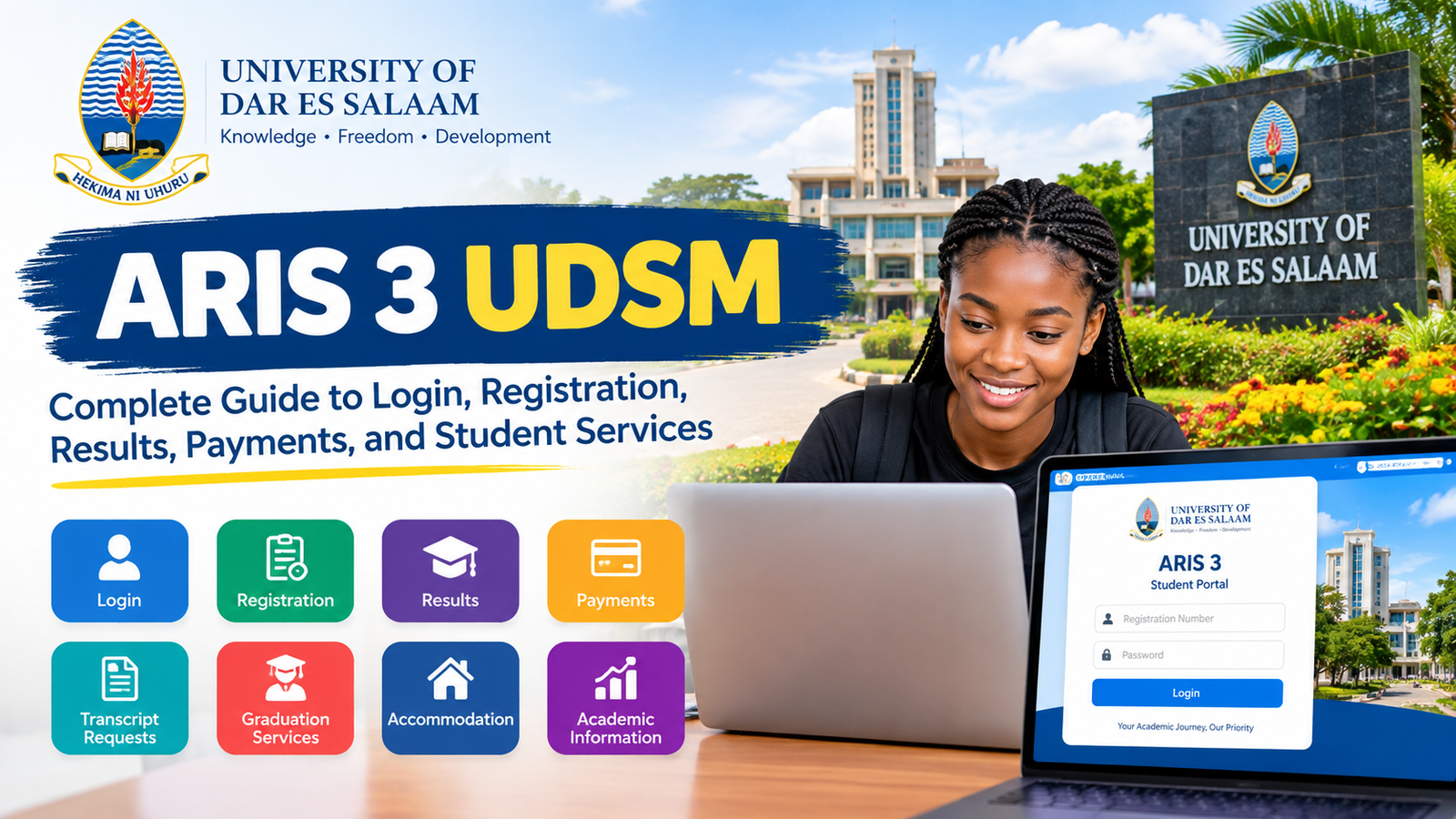
ARIS 3 UDSM: Complete Guide to Login, Registration, Results, Payments, and Student Services
ARIS 3 UDSM is an important digital platform associated with the University of Dar es Salaam that helps students manage several academic and university related activities online. Students searching for ARIS 3 UDSM are often looking for information about the student portal, login process, registration, payments, academic records, transcripts, and other university services.
The University of Dar es Salaam has continued to expand its digital services so that students can access important academic information without depending entirely on physical offices. The official UDSM website currently lists ARIS 3 among its ICT services, while the university’s current Access Portal provides a centralized way to reach different UDSM systems and services.
For students, understanding ARIS 3 UDSM can make university administration much easier. Instead of visiting different offices for every academic or administrative task, students can use the relevant online services available through the university’s systems. ARIS 3 is therefore an important part of the wider digital environment at UDSM.
This complete guide explains what ARIS 3 UDSM means, why students use it, how the login process generally works, what services can be available through the system, how registration and payments are connected with ARIS, how transcript requests work, and what students should do when they experience technical problems.

What Is ARIS 3 UDSM?
ARIS stands for Academic Registration Information System. ARIS 3 UDSM refers to the third-generation ARIS platform used by the University of Dar es Salaam for academic and student-related services.
The system is designed to support university processes that require student information, academic registration, payments, records, and other administrative activities. UDSM official joining instructions describe ARIS as the University Students’ Academic Registration Information System and explain that registration and payments can be handled online through an ARIS account.
The importance of ARIS 3 UDSM comes from the fact that university life involves many administrative activities. Students may need to register for an academic year, review their academic information, manage payments, request academic documents, and interact with other university services.
A centralized digital system makes these processes easier to manage. Instead of relying only on paper forms or physical offices, students can complete or begin various processes through an online environment.
The exact services displayed inside an ARIS 3 account can depend on the student’s status, programme, academic year, and university permissions. This means that two users may not necessarily see exactly the same menu or options.
Why Is ARIS 3 UDSM Important for Students?
ARIS 3 UDSM is important because academic administration is a major part of university life. A student may attend lectures and examinations, but there are also administrative requirements that must be completed during an academic year.
Online academic registration is one of the most important examples. UDSM joining instructions show that students use their ARIS accounts for registration and payments. The official instructions also describe areas such as Registration, Academics, Graduation, Payments, Accommodation, and Reports within the ARIS environment.
This makes ARIS 3 UDSM more than a simple login page. It functions as part of the university’s wider digital infrastructure.
The platform can also reduce unnecessary physical visits when a particular service is available online. Students can review information and begin certain administrative processes from a computer, tablet, or smartphone.
Another important advantage is that digital records can make university processes easier to track. When a student submits information or completes a payment-related process, the relevant system can associate that activity with the student’s university account.
ARIS 3 UDSM Login
ARIS 3 UDSM login is one of the most common searches made by students who need access to their university services.
UDSM has introduced an Access Portal that acts as a centralized gateway to university systems. The official portal currently lists ARIS3 alongside other UDSM systems and explains that the portal provides one-stop access to authorized services through university credentials.
Open the official UDSM Access Portal
Students should always verify that they are using an official UDSM website before entering university credentials. This is especially important because search engines can sometimes display unofficial pages or third-party websites that use university-related keywords.
The normal login experience requires the student to provide the credentials associated with the account. UDSM joining instructions have previously identified the student registration number as the username for ARIS account access, while the password is created or assigned during the account setup process.
Because university systems can change over time, students should follow the current instructions displayed by UDSM rather than relying on an old screenshot or outdated guide.
How Students Create an ARIS 3 Account
For new students, account creation is an important part of getting started with ARIS 3 UDSM.
Official UDSM joining instructions explain an account creation process in which the student selects the student account option and uses the registration number to locate their information. The student can then create a password and register the account.
The exact appearance of the account creation page can change as UDSM updates its systems. Therefore, students should pay attention to the instructions shown on the current official UDSM platform.
Students should also keep their registration information accurate. A registration number is an important identifier within university systems, so it should be entered correctly when required.
After an account has been created, students should protect their login credentials. A university account can provide access to academic and administrative information, so sharing a password with another person is not a good security practice.
ARIS 3 UDSM Registration
Academic registration is one of the most important reasons students use ARIS 3 UDSM.
The registration process connects a student with the university’s academic and administrative records for an academic year or semester. UDSM joining instructions explain that students use the ARIS system for registration and that the process can involve payments, verification, medical requirements, and course registration depending on the student’s situation.
Within the ARIS environment, students may see a Registration section where relevant registration options are provided. Official UDSM instructions have described options such as Semester or Year Registration and My Registration.
Students should carefully review their registration status rather than assuming that logging into ARIS automatically means that registration has been completed.
A successful login and a completed registration are not necessarily the same thing. Students should check the relevant registration information displayed in their account and follow any instructions provided by the university.
Read more about:about naolozut253
ARIS 3 UDSM Course Registration
Course registration is another important academic activity connected with ARIS.
University students normally need to be associated with the appropriate courses or academic activities for their programme and academic period. The exact process can vary depending on the programme and university requirements.
ARIS 3 UDSM provides a digital environment where relevant academic registration functions can be presented to eligible students. Students should review the courses and information carefully before confirming anything.
It is also important to remember that course registration deadlines may apply. A student who delays registration could face administrative problems, so official university announcements should always be checked.
Students should not rely on an old blog post for current deadlines because academic calendars and registration windows can change from one academic year to another.
ARIS 3 UDSM Payments
Payments are another major reason students use ARIS.
Official UDSM documents state that student registration and payments can be handled online through the ARIS account.
The payment process can involve an invoice or control number depending on the specific university procedure. Official joining instructions describe students accessing My Registration and creating or viewing the relevant invoice before continuing with other registration activities.
This means ARIS 3 UDSM can connect academic registration with financial administration.
Students should carefully verify payment information before making a payment. They should use the payment instructions provided by UDSM and retain appropriate evidence of completed transactions.
The university’s published fee information also explains that students may have tuition and university-related financial obligations depending on their programme and student category.
Because fees and payment procedures can change, students should check current official UDSM information for their academic year rather than relying on old fee figures.
ARIS 3 UDSM Academic Information
Academic information is another important area associated with ARIS.
Students may use university systems to access information connected with their academic progress, registration, and records. The menus available to a particular student can depend on their role and current academic status.
Official UDSM joining instructions show an Academics section within the ARIS interface.
This can make ARIS 3 UDSM particularly useful during an academic year because students may need to review information related to their academic activities.
However, students should remember that an online system is only one part of the university’s broader academic administration. If information appears incorrect, students should contact the appropriate university department rather than attempting to change important academic information without authorization.
Can You Check Results Through ARIS 3 UDSM?
Academic results are a common topic when students search for ARIS 3 UDSM.
ARIS provides academic-related functionality, but the exact results display and availability can depend on the student’s programme, academic year, and university system configuration.
Students should log into the official system and look for the relevant academic or results-related section available to their account. If results are not visible, this does not automatically mean that the student has no results. Results may depend on publication schedules, academic processing, or administrative clearance.
Students should therefore check official UDSM announcements and contact the appropriate academic office if there is an issue.
It is also important to distinguish between an informal results view and an official academic document. A transcript or certified academic record may require a separate request process.
ARIS 3 UDSM Transcript Requests
One particularly useful official service is the ARIS 3 transcript request process.
UDSM provides an official procedure explaining how students can request transcripts through ARIS 3. According to the university, the student logs into the ARIS 3 account, opens the Academic menu, selects My Transcript Requests, creates a new request, enters the required information, and saves the request. The system then provides a control number for payment.
The transcript procedure also involves downloading a Transcript Request Form, completing it, attaching the required documents, and submitting the request according to UDSM instructions.
This is a good example of how ARIS 3 UDSM connects digital administration with formal university document processing.
Students requesting official academic documents should always follow the latest procedure published by UDSM because submission requirements can be updated.
ARIS 3 UDSM Graduation Services
Graduation is another area represented in the ARIS environment.
Official UDSM joining instructions show Graduation as one of the menu areas available in ARIS.
Graduation-related activities can involve academic clearance, financial clearance, documentation, and other university requirements. The availability of specific options can depend on the student’s status.
Students approaching graduation should therefore monitor both ARIS and official university announcements.
It is important not to assume that completing one graduation-related action means every requirement has been completed. Students should review their status and follow the instructions provided by the university.
ARIS 3 UDSM Accommodation Services
Accommodation is also listed among the ARIS menu areas in official UDSM joining instructions.
For students who are eligible for university accommodation services, the relevant options may appear within their account.
The exact accommodation process depends on university policy, available spaces, student category, and academic circumstances. Students should use the current official UDSM information for accommodation deadlines and requirements.
This is another reason why ARIS 3 UDSM is useful as part of a broader student administration environment.
ARIS 3 UDSM Reports
Reports are another menu area identified in UDSM documentation.
A report section can help organize or display information connected with a student’s academic or administrative activities. The exact reports available can depend on the user’s account and permissions.
Students should download or save important documents only when they are officially required and should protect any personal academic information.
Academic records can contain sensitive information, so students should avoid sharing screenshots containing registration numbers, passwords, payment details, or other private information publicly.
What If ARIS 3 UDSM Is Not Working?
Sometimes students may experience problems when attempting to access ARIS 3 UDSM.
A problem can be caused by several factors. The issue may involve an incorrect password, browser problems, network connectivity, system maintenance, an account issue, or a temporary technical problem.
The first step should be to confirm that the student is using the official UDSM system and the correct credentials.
Students can also try accessing the system through a supported browser and checking their internet connection. If the problem continues, it is better to contact UDSM technical support instead of repeatedly attempting random solutions.
UDSM’s ICT Helpdesk specifically lists ARIS among the systems for which students and staff can report technical problems. The university recommends using its helpdesk process so that technical requests can be assigned, tracked, and followed up.
Students should never include their password or one-time verification code in a helpdesk request. UDSM’s own ICT guidance specifically warns users not to send confidential credentials in support tickets or emails.
ARIS 3 UDSM Password Problems
Password problems are among the most common reasons students cannot access online university systems.
If a student forgets a password, the correct recovery method should be used through the official university system. Students should avoid using password-reset websites that are not controlled by UDSM.
A password should also be unique and difficult for other people to guess. Students should not give their ARIS credentials to friends, classmates, agents, or unknown individuals.
If someone claims that they need a student’s password to fix an ARIS problem, the student should be cautious. University technical staff should not require students to publicly disclose their passwords.
How to Stay Safe When Using ARIS 3 UDSM
Online academic systems contain valuable personal information, so security should be taken seriously.
Students should always check the website address before entering their credentials. The current UDSM Access Portal describes itself as a centralized gateway to university systems and lists ARIS3 as one of the available services.
Students should avoid clicking suspicious messages that claim to provide an ARIS login link.
A fake website can sometimes look similar to a legitimate university website. The safest approach is to start from an official UDSM website or the university’s recognized portal rather than following an unexpected link from an unknown source.
Students should also log out when using a shared computer.
Keeping the browser and operating system updated can provide additional security benefits. Students should also avoid saving passwords on public or shared computers.
ARIS 3 UDSM and the UDSM Digital Ecosystem
ARIS 3 is not the only digital platform used by the University of Dar es Salaam.
The university’s ICT Services page lists several systems, including ARIS 3, the Learning Management System, e Office, student mail, research and consultancy systems, Turnitin, and the university helpdesk.
The current UDSM Access Portal brings several university systems together under one centralized access environment. It lists ARIS3, LMS, Admission, RIMS, Library, CONRIS, OPRAS, and Safari among the available services.
This shows how ARIS 3 UDSM fits into a larger digital ecosystem rather than operating as an isolated website.
Students may use different platforms for different purposes. For example, an admission system may be used for applications, while ARIS can support academic registration and student administration.
Understanding the difference between these platforms can prevent confusion when students are trying to find a particular service.
ARIS 3 UDSM for New Students
New students may have the most questions about ARIS because they are unfamiliar with the university’s digital environment.
The first step is to carefully read the official joining instructions provided by UDSM. These documents explain account creation, login credentials, registration, payments, and other requirements.
Official UDSM joining instructions for the 2025/2026 academic year show ARIS account login and describe menu areas such as Dashboard, My Profile, Registration, Academics, Graduation, Payments, Accommodation, MISC, and Reports.
New students should avoid relying entirely on social media posts or unofficial guides because university procedures can change.
The best source for current requirements is the University of Dar es Salaam itself.
ARIS 3 UDSM for Continuing Students
Continuing students can also use ARIS for important academic and administrative activities.
At the beginning of a new academic year or semester, students may need to complete registration, review their financial status, confirm academic information, or complete other requirements.
The exact tasks depend on the student’s programme and current university requirements.
Continuing students should therefore check ARIS regularly during important registration periods and pay attention to official UDSM announcements.
This can help prevent missed deadlines and administrative delays.
Common Questions About ARIS 3 UDSM
What does ARIS 3 UDSM mean?
ARIS 3 UDSM refers to the University of Dar es Salaam’s Academic Registration Information System, commonly known as ARIS 3. It is part of UDSM’s digital systems for student academic and administrative services.
Who uses ARIS 3 UDSM?
ARIS 3 is primarily associated with UDSM student and academic administration. The services visible to a user depend on their account, role, programme, and university permissions.
Is ARIS 3 UDSM the same as the UDSM admission system?
No. UDSM operates different digital systems for different purposes. The admission system is used for applications, while ARIS is associated with academic registration and student-related administration.
Can students use ARIS for registration?
Yes. UDSM official documents describe ARIS as a system used for student registration, and joining instructions provide guidance on using the system for registration-related activities.
Can students make payments through ARIS?
UDSM official joining instructions explain that registration and payments can be completed online through the ARIS account according to the university’s procedures.
Can I request a transcript through ARIS 3?
Yes. UDSM publishes an official ARIS 3 transcript request procedure that explains how students can create a transcript request through the Academic menu and proceed with the required payment and documentation.
What should I do if ARIS 3 is not working?
First verify that you are using the official UDSM system and correct credentials. If the problem continues, contact the UDSM ICT Helpdesk. The university specifically identifies ARIS as one of the systems supported through its ICT Helpdesk.
Is ARIS 3 available through the UDSM Access Portal?
Yes. The current UDSM Access Portal lists ARIS3 among its available systems and services.
Final Thoughts on ARIS 3 UDSM
ARIS 3 UDSM is an important part of the University of Dar es Salaam’s digital academic environment. It helps connect students with university processes such as registration, payments, academic information, transcript requests, graduation-related activities, and other student services.
For new students, understanding ARIS 3 early can make the transition into university administration much easier. For continuing students, regularly checking the system can help them stay aware of registration and academic requirements.
The most important point is to use official UDSM sources whenever dealing with ARIS 3 UDSM. University systems, menus, deadlines, and procedures can change, so information from older articles may not always reflect the current process.
The official UDSM Access Portal now provides a centralized gateway to ARIS3 and other university systems, making it easier for students to reach authorized services.
ARIS 3 UDSM is therefore more than just a login page. It is an important component of the university’s move toward digital academic administration, helping students manage important parts of their university journey through online services.
For the latest information about registration, payments, academic records, transcripts, graduation, and technical support, students should always refer to the official University of Dar es Salaam website and current university instructions.