Table of Contents
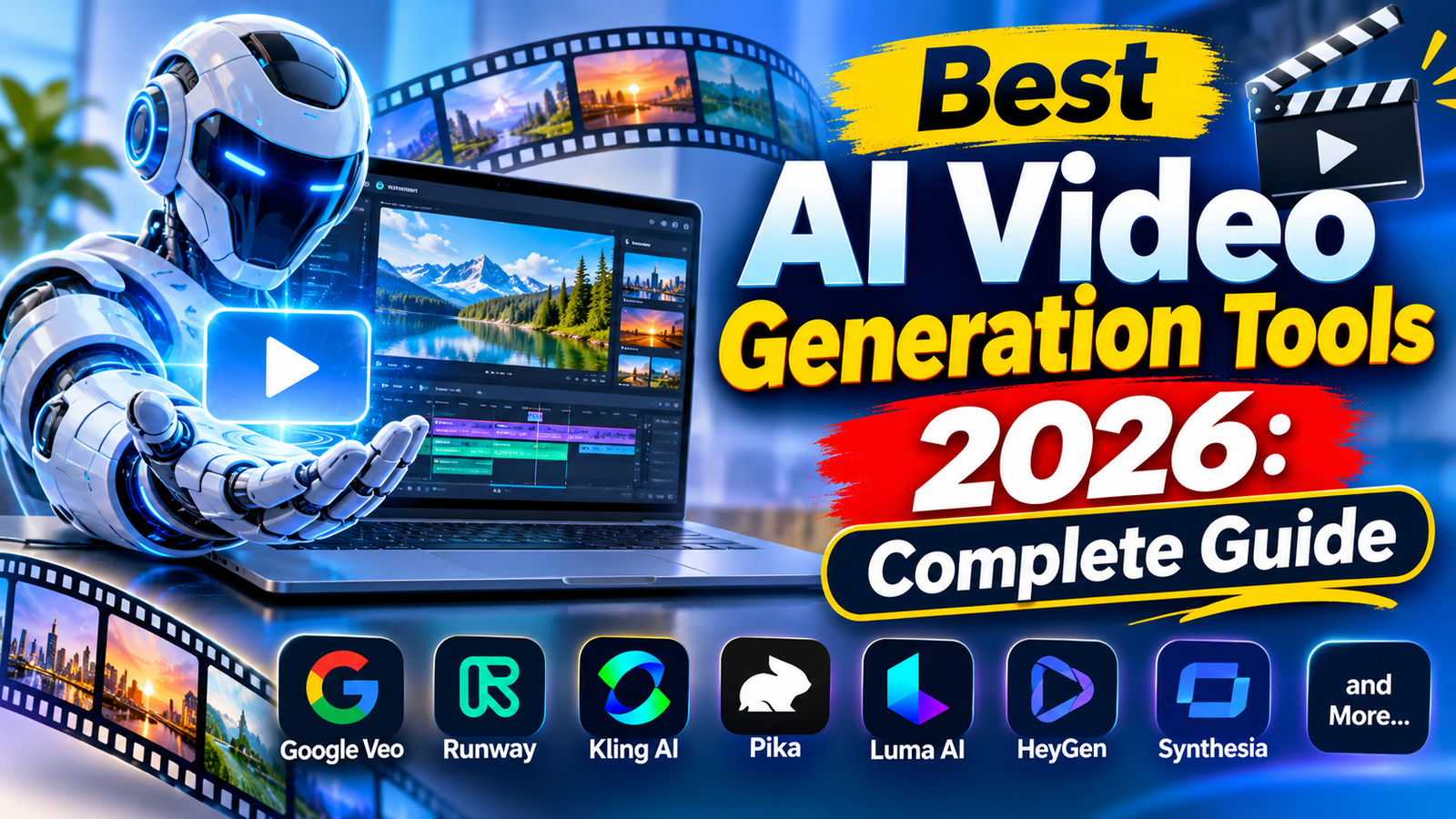
Best AI Video Generation Tools 2026: Complete Guide
Artificial intelligence is changing the way people create videos. In the past, producing a professional video required expensive cameras, editing software, lighting equipment, and considerable time. Today, the best ai video generation tools 2026 can transform simple text prompts, images, and scripts into impressive video clips within minutes.
The best ai video generation tools 2026 offer different features for content creators, marketers, business owners, educators, and social media users. Some platforms focus on realistic cinematic videos, while others specialize in animated characters, talking avatars, product advertisements, and educational content.
AI video generators are becoming more useful because they reduce production costs and make video creation accessible to beginners. However, every tool has different strengths, limitations, pricing plans, and creative controls. Choosing the right platform depends on your project and the type of video you want to produce.
This guide explores the best ai video generation tools 2026, their features, benefits, limitations, and practical uses. It also explains how beginners and professionals can choose an AI video generator for their creative projects.

What Are AI Video Generation Tools?
AI video generation tools are software platforms that use artificial intelligence models to create or modify video content. These systems understand written instructions, images, or other inputs and generate moving visual scenes based on the information provided.
For example, a user can enter a prompt such as “A modern electric car driving through a beautiful mountain road at sunset.” An AI video generator can create a short video showing the scene without requiring the user to record it with a camera.
Many of the best ai video generation tools 2026 support text-to-video and image-to-video generation. Text-to-video creates a video from a written description, while image-to-video adds movement to an existing picture.
Some advanced AI video creation tools also provide video editing, sound generation, background replacement, character animation, voiceovers, and scene extension. These features make AI video creation useful for both personal and professional projects.
Best AI Video Generation Tools 2026
The following platforms are important options for people searching for the best ai video generation tools 2026. Their suitability depends on output quality, audio support, creative control, workflow, and budget.
1. Google Veo
Google Veo is a powerful AI video generation model designed to create realistic videos from text and image prompts. It is suitable for users who want cinematic scenes, natural movement, and detailed visual storytelling.
Veo can help creators produce imaginative environments, realistic landscapes, product scenes, and short promotional clips. Its video generation capabilities are available through Google’s supported creative experiences, including Flow.
One important advantage of Google Veo is its focus on understanding detailed prompts. Users can describe camera movement, lighting, subject actions, and the atmosphere of a scene to guide the result.
Some Veo experiences support generated audio alongside video, helping creators produce more complete scenes. Availability, duration, resolution, and generation limits depend on the model and subscription.
For creators exploring the best ai video generation tools 2026, Google Veo is worth considering for cinematic content, creative advertising, and realistic AI-generated scenes.
2. Runway
Runway is one of the well-known platforms for AI-powered video creation and editing. It offers tools for generating videos from text or images and provides creative features that help users develop visual ideas.
Runway is useful for filmmakers, digital artists, content creators, and marketing professionals who want more control over their video projects.
Its generative video models can help create cinematic shots, transform visual concepts, and produce creative footage for larger projects. Users can experiment with different prompts and continue refining their results.
Runway also provides a broader creative workflow instead of focusing only on generating a single video. Depending on the available plan and tools, users can access editing features, image generation, audio tools, and other creative options.
For creators who want to experiment with visual storytelling, Runway is a strong option among the best ai video generation tools 2026.
3. Kling AI
Kling AI is a popular option for generating realistic video clips from text and images. It is particularly interesting for creators who want natural movement, cinematic scenes, and visually detailed content.
Kling can help turn a product image into a short promotional clip or transform an illustrated character into an animated scene.
Image-to-video generation is useful when the creator already has a specific visual reference. Instead of asking the model to create everything from scratch, the user can provide an image and describe how the subject should move.
For example, a creator can upload a picture of a fashion product and request a slow camera movement with soft studio lighting.
Kling AI is suitable for social media videos, creative advertisements, storytelling, and visual experiments. Results may vary depending on the prompt, reference image, and model version.
4. Adobe Firefly
Adobe Firefly offers AI-powered creative tools for images, video, and other visual content. It is especially relevant for designers and marketing teams who already use Adobe’s creative ecosystem.
Firefly can support video generation and editing workflows, helping users create visual assets without recording every scene themselves.
One important consideration is commercial use. Businesses should carefully review the current Firefly plan, model terms, and licensing information before using generated videos in commercial campaigns.
Adobe Firefly may be useful for creating product visuals, promotional clips, background footage, and creative material for advertising.
Its connection with professional design workflows can make it attractive to users who need to combine AI-generated video with other creative assets.
5. Pika
Pika is an AI video creation platform designed to make video generation accessible and creative. It is useful for people who want to experiment with short videos, visual transformations, and entertaining social media content.
The platform focuses on turning simple ideas into engaging visual clips. Users can explore different effects and creative approaches to make their videos more interesting.
Pika can be helpful for short promotional content, humorous videos, visual experiments, and social media posts.
Beginners may appreciate its straightforward creative workflow. However, users should check the current generation limits, available features, and export options before selecting a paid plan.
6. Luma AI
Luma AI provides creative AI tools that can help users generate and transform visual content. Its video generation capabilities are useful for creating motion from images and producing imaginative scenes.
Luma can be explored by creators who want realistic movement, cinematic camera effects, and visual storytelling.
Image-to-video is particularly helpful when the user has already created a photograph, illustration, or product image.
For example, a travel blogger could use a landscape image as a starting point and generate a short scene with moving clouds or a slow camera movement.
The final result depends on the quality of the input image and how clearly the prompt describes the intended motion.
7. HeyGen
HeyGen is designed for AI avatar videos and digital presenters. It is different from cinematic video generators because its main purpose is to create videos featuring virtual people who speak a script.
Users can prepare a script, select an avatar, and generate a presentation-style video. This can be useful for training, marketing, product explanations, and educational content.
HeyGen also offers features for multilingual video communication and avatar-based presentations, depending on the selected plan.
Businesses can use AI presenters to explain services or introduce products without recording a new video for every language or update.
However, users should make sure that they have permission to use any real person’s likeness or voice.
8. Synthesia
Synthesia is another important AI video platform focused on professional presentations and training content.
It allows users to create videos with AI avatars and scripted narration. This makes it useful for employee training, online courses, internal communication, and business explainers.
Instead of filming a presenter, a company can prepare a script and use a digital avatar to deliver the information.
Synthesia is especially suitable for structured educational videos where clarity and consistency are more important than cinematic action.
9. Hailuo AI
Hailuo AI is an AI video generation platform that can create visual clips from prompts and images.
It is worth exploring for creators who want realistic motion, expressive scenes, and short cinematic videos.
Hailuo can be used for creative storytelling, social media content, and visual concept development.
As with other AI video generators, users should test several prompts before deciding whether the platform meets their quality and budget requirements.
10. InVideo AI
InVideo AI focuses on helping users turn ideas and scripts into complete videos.
It can be useful for YouTube creators, marketers, bloggers, and businesses that need structured video content.
Rather than generating only a short cinematic shot, script-to-video workflows can combine narration, visual footage, subtitles, and editing elements.
This makes InVideo AI useful for explainers, educational videos, promotional content, and social media marketing.
For people searching for the best ai video generation tools 2026, InVideo AI is worth considering when the goal is to create complete videos from written content.
How to Choose the Best AI Video Generator
The best AI video generator depends on your specific requirements. Before paying for a subscription, consider the type of video you want to create.
If you need cinematic scenes, explore platforms such as Google Veo, Runway, Kling, or Luma AI.
If your goal is to create talking-head videos, AI presenters, or business training material, HeyGen and Synthesia may be more suitable.
For short creative videos and social media effects, Pika is worth testing.
For script-based content, InVideo AI can help organize narration and visual scenes into a complete video.
You should also compare the available video resolution, clip duration, generation credits, watermark policy, commercial rights, and export options.
A platform may produce excellent results but still be unsuitable if its monthly credits are too limited for your workload.
Important Features to Check in 2026
AI video generation technology continues to improve, but users should focus on practical features rather than marketing claims.
Prompt understanding is important because the model needs to follow your instructions accurately. A good generator should understand the subject, environment, camera movement, and action.
Motion consistency is another major factor. Objects, faces, clothing, and backgrounds should remain reasonably stable throughout the clip.
Native audio generation can save editing time by creating sound effects, dialogue, or background audio alongside video. However, audio quality and availability vary by model.
Image reference support is useful for maintaining a particular visual style or starting from an existing product image.
Video editing features also matter. Tools that support extending clips, changing scenes, or refining generated footage can make the production process easier.
These features help users compare the best ai video generation tools 2026 and select a platform that matches their creative workflow.
New Developments in AI Video Creation
One important direction in 2026 is the movement from isolated video clips toward more complete creative workflows.
Creators increasingly want tools that can help them plan scenes, generate visual assets, create sound, and refine footage within one environment.
Another important development is improved image-to-video generation. Instead of relying entirely on text prompts, users can provide a reference image and guide the movement of the subject.
AI video tools are also becoming more useful for business communication. Companies can create training videos, product demonstrations, and localized presentations without organizing a traditional filming session for every update.
However, generated videos still require human review. AI may produce incorrect details, unusual movements, inconsistent objects, or visual errors that are difficult to notice in a single frame.
Are AI Video Generation Tools Free?
Many AI video generators offer free trials, limited credits, or restricted free plans.
These options are useful for beginners who want to test video quality before purchasing a subscription.
Free plans may include watermarks, limited video duration, slower generation, or restricted access to advanced models.
Paid plans generally provide more credits, additional features, or improved export options. However, subscription prices and credit systems change frequently.
Before buying a plan, check the official pricing page and calculate how many usable clips you can create each month.
Can AI-Generated Videos Be Used for YouTube?
AI-generated videos can be used in YouTube content, but creators should follow YouTube’s current policies.
You should add meaningful value through original scripts, useful explanations, editing, commentary, or storytelling.
Simply generating many repetitive videos with little original contribution may create problems for monetization.
Creators should also review disclosure requirements when content is realistic and could mislead viewers about real people or events.
Using AI does not remove the responsibility to respect copyright, privacy, and platform rules.
Benefits of AI Video Generation Tools
AI video generators save time by reducing the need for traditional filming and complicated production processes.
They make video creation accessible to people who do not have professional cameras or advanced editing skills.
These tools can also help businesses test advertising concepts before investing in expensive production.
Another benefit is creative flexibility. Users can experiment with different environments, camera angles, lighting, and visual styles without rebuilding a physical scene.
For bloggers and website owners, AI video generation tools can provide additional visual content for tutorials, product explanations, and social media promotion.
Limitations of AI Video Generators
Despite their advantages, AI video generation tools are not perfect.
Some models struggle with complex movements, detailed hands, realistic text, or consistent characters across multiple scenes.
Video generation can also consume credits quickly, especially when users need several attempts to achieve a satisfactory result.
Commercial use may require checking licensing terms and platform restrictions.
Human editing remains important because AI-generated footage may contain mistakes that affect the final quality.
Read more about: how uninstall shotscribus software in mac
Final Thoughts
The best ai video generation tools 2026 offer exciting opportunities for creators, businesses, educators, and marketers. Google Veo, Runway, Kling AI, Adobe Firefly, Pika, Luma AI, HeyGen, Synthesia, Hailuo AI, and InVideo AI each provide different creative possibilities.
There is no single platform that is perfect for every project. The right choice depends on whether you need cinematic video, image animation, AI avatars, educational presentations, or complete script-based content.
Start by testing a few tools with the same prompt. Compare visual quality, motion, audio, generation limits, and editing options.
With a clear idea and thoughtful prompting, the best ai video generation tools 2026 can help you create engaging videos more efficiently while keeping human creativity at the center of the process.