
Table of Contents
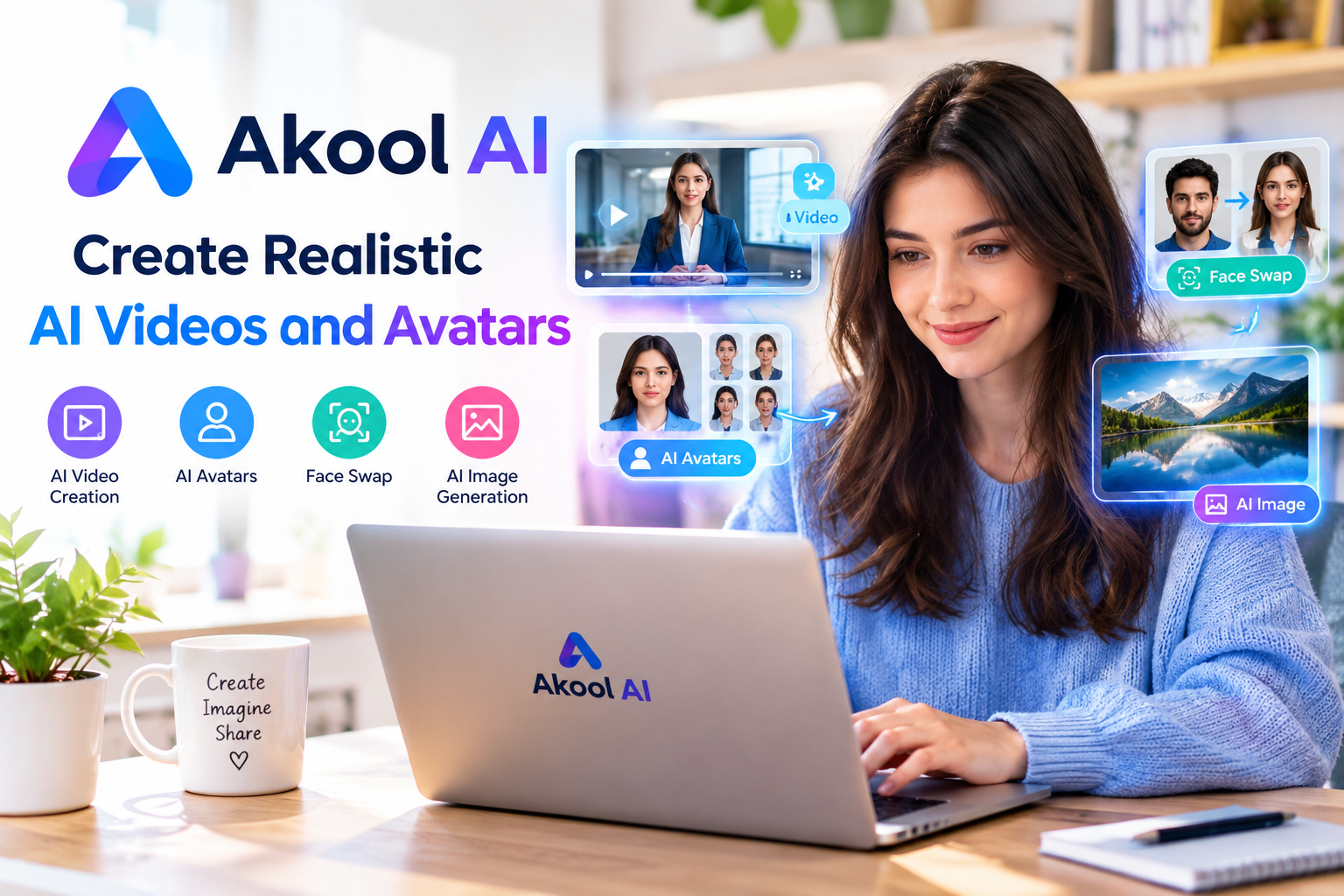
Akool AI is an artificial intelligence platform designed to help users create digital content, produce realistic visual effects, and improve their creative workflows. As AI technology continues to change the way people create images and videos, tools like Akool AI are becoming useful for marketers, content creators, businesses, and digital artists. The platform focuses on AI-powered visual production and provides tools that can help users develop engaging content without relying entirely on traditional editing methods.
Akool AI is especially interesting for people who want to explore AI-generated videos, face swapping, digital avatars, and other visual content features. Instead of spending hours learning complicated editing software, users can explore AI tools that simplify certain production tasks. However, the quality of the final result depends on the selected feature, the quality of the uploaded material, and the user’s instructions.
Understanding how Akool AI works can help beginners and experienced creators decide whether it fits their needs. From marketing campaigns to educational videos, AI-powered content creation offers different possibilities. This guide explores Akool AI features, practical uses, potential benefits, limitations, privacy considerations, and important factors to evaluate before using the platform.
Read more about: lapzoo.com
What Is Akool AI?
Akool AI is an AI-powered content creation platform associated with visual generation and video production. It offers tools designed to make selected creative tasks easier, including creating AI-generated visuals, working with digital presenters, and applying artificial intelligence to existing media. Its main appeal is the possibility of producing professional-looking content with fewer manual editing steps.

Traditional video production may require cameras, lighting equipment, recording locations, actors, and editing software. Akool AI can help reduce the need for some of these resources, depending on the project. For example, a business may use an AI avatar to present information in a video instead of recording a presenter in a studio. This approach can be useful when a company needs to produce multiple videos for different audiences.
Akool AI is not a complete replacement for every creative professional or production process. Human creativity, careful planning, and quality control remain important. The platform is better understood as a collection of AI-powered tools that can support specific tasks rather than a solution that automatically makes every project successful.
Users should also understand that AI features can change over time. Available tools, subscription plans, processing limits, and output quality may vary. Checking the official platform before starting a project is therefore a sensible step.
Main Features of Akool AI
AI Video Creation
One of the most interesting applications of Akool AI is AI-assisted video creation. Video content is widely used across social media, websites, online courses, and business presentations. Producing videos regularly can be expensive and time-consuming, especially for small teams. AI-powered video tools can simplify selected production steps and help creators prepare content more efficiently.
With suitable video generation features, users can develop visual presentations for product introductions, marketing messages, tutorials, and informational content. Depending on the available workflow, AI can help transform written material or other supplied content into a more engaging visual format.
The usefulness of Akool AI depends on the intended result. A short promotional clip may need different production quality from a detailed educational video. Users should review generated footage carefully, check the accuracy of the message, and make necessary edits before publishing the finished content.
AI Avatars and Digital Presenters
Digital avatars are another important area of AI-powered content creation. An AI avatar can act as a virtual presenter in selected video workflows, making it possible to deliver information without recording a person for every new video. This can be useful for businesses that regularly publish announcements, product explanations, or training materials.
Akool AI may help users explore avatar-based presentations for different communication needs. For example, an online educator could create a presentation that explains a lesson, while a company could prepare a virtual spokesperson for a product demonstration. Such approaches may reduce the time needed for repeated recordings.
However, digital presenters require careful review. Facial movements, pronunciation, lip synchronization, and visual consistency can affect how natural a video appears. Users should preview the final result and make sure the avatar represents the intended message appropriately.
AI Face Swapping
AI face swapping involves replacing a face in an image or video with another face through artificial intelligence. This technology can support creative experiments, entertainment projects, and certain authorized production workflows. It is also one of the reasons AI visual platforms attract attention online.
Akool AI is associated with face-swapping technology that can help users explore visual transformations. Depending on the available tool and source material, the system may attempt to match facial positioning, expressions, and lighting to create a more consistent result.
Face swapping must be handled responsibly. Users should obtain permission before using another person’s face, especially when creating realistic videos. Making a deceptive video that appears to show someone doing or saying something they never did can damage reputations and create serious ethical or legal problems. Clear disclosure is important whenever AI-generated media could be mistaken for genuine footage.
AI Image Generation and Editing
AI image tools allow creators to experiment with visual ideas without always starting from a traditional photography session. These tools can be useful for concept development, promotional graphics, creative projects, and visual experimentation.
Akool AI users should evaluate the image-related features available on the platform and determine whether they match the requirements of a particular project. Some workflows may focus on generating visuals, while others may involve modifying existing media or preparing images for use in video production.
For the best results, users should provide clear instructions, use suitable source images, and inspect the output carefully. AI-generated images may contain incorrect details, inconsistent objects, or unnatural facial features. Reviewing the final image is essential before using it in a professional campaign.
AI Translation and Multilingual Content
Businesses and creators often need to communicate with audiences who speak different languages. Translating and adapting video content manually can require additional recording sessions, editing work, and language expertise.
AI-powered translation and video localization tools can help streamline parts of this process. Depending on the features available, users may be able to adapt spoken content for different audiences and create localized versions of existing media.
Akool AI may be worth exploring for projects that require multilingual visual communication. Nevertheless, automated translation should not be treated as automatically accurate. Idioms, technical terminology, cultural references, and pronunciation can cause problems. Important business, educational, or public information should be reviewed by someone who understands the target language.
How Akool AI Works
The exact workflow depends on the feature a user selects, but most AI content creation processes follow a similar pattern. First, the user chooses a suitable tool and supplies the required material. This might include text, an image, a video, or other project information. The user then adjusts available settings and submits the request for processing.
Akool AI uses the selected workflow to generate or modify visual content. Processing time can vary according to the complexity of the task, file size, system demand, and account limitations. Once the output is ready, the user can review it and decide whether it meets the project’s requirements.
For example, someone preparing a promotional video may begin with a short script, choose an appropriate digital presenter if that feature is available, and generate a draft. The creator can then check the spoken message, visual quality, timing, and overall presentation before using the video.
Beginners should start with a small project rather than immediately creating a large campaign. Testing a simple workflow makes it easier to understand the platform, identify limitations, and avoid wasting time on unsuitable settings.
Benefits of Using Akool AI
Saving Time During Content Production
Time is an important consideration for creators who publish content frequently. Traditional production often involves several stages, including planning, recording, editing, reviewing, and exporting. AI tools can reduce some of this work by automating selected tasks.
Akool AI may help users produce drafts, experiment with different visual concepts, and prepare certain video formats more efficiently. This can be especially useful for small businesses and independent creators who do not have large production teams.
However, time savings depend on the project. Complicated videos may still require extensive editing and human review. Users should compare the complete workflow rather than assuming that AI automatically makes every task faster.
Supporting Small Businesses
Small businesses often need professional content but may have limited budgets. Hiring actors, renting equipment, and arranging recording sessions can increase production costs. AI-powered tools offer another option for creating certain types of promotional material.
Akool AI may help businesses experiment with product presentations, digital spokespersons, and social media videos. A company could prepare different versions of a message for customers, employees, or potential partners without repeating the entire recording process.
Before investing in a paid plan, businesses should calculate whether the platform provides meaningful value. Subscription costs, usage limits, editing requirements, and the quality of the final content should all be considered.
Improving Social Media Content
Social media platforms encourage creators to publish engaging and visually interesting material. Maintaining a regular posting schedule can be challenging when every video requires significant manual work.
Akool AI can be explored as part of a content creation workflow for promotional clips, educational videos, and other short-form media. Creators may use AI tools to test different presentation styles and develop new ideas for their audiences.
Nevertheless, strong social media performance depends on more than visual effects. Useful information, original ideas, a clear message, and an understanding of the target audience remain essential. AI-generated content should support these goals instead of replacing thoughtful planning.
Helping Educators and Trainers
Educational organizations often produce lessons, demonstrations, and training videos. AI-assisted presentations may help educators prepare certain materials more efficiently, particularly when information needs to be delivered repeatedly.
For example, a trainer might use an AI presenter to introduce a topic or explain a standard workplace procedure. A teacher could also explore visual content to support a lesson. These applications may be useful when the generated presentation is clear and appropriate for the intended learners.
Educators should verify facts, use accurate terminology, and ensure that AI-generated visuals do not confuse students. Educational content still needs careful planning and subject knowledge.
Practical Uses of Akool AI
Marketing and Advertising
Marketing teams can explore Akool AI for promotional videos, campaign concepts, product introductions, and digital presentations. Visual content may help businesses explain their services and communicate with potential customers.
A company launching a new product could develop a short video that explains its main features. The team could then review the result, adjust the message, and prepare a version suitable for its website or social channels.
Marketing content must remain honest. Businesses should not use AI-generated demonstrations to misrepresent a product’s appearance, performance, or capabilities. Clear communication helps maintain customer trust.
E-Commerce Product Videos
Online stores often need visual material to explain products and answer customer questions. AI-assisted content creation may help sellers develop product introductions, demonstrations, and supporting promotional media.
Akool AI may be useful when a seller wants to explore digital presenters or other visual production techniques. However, product claims must match the actual item being sold. AI-generated scenes should not suggest that a product has features it does not possess.
Sellers should also check image quality, brand consistency, and platform requirements before publishing their videos.
Personal Branding and Creator Projects
Content creators, consultants, and professionals use video to communicate their expertise. Preparing regular presentations can require considerable effort, particularly for people who work alone.
Akool AI offers an area worth exploring for creators interested in AI-assisted visual production. A creator may use suitable tools to develop presentation drafts, experiment with video concepts, or produce supporting content for an online profile.
Personal branding depends on trust and authenticity. Creators should make sure their videos communicate accurate information and should disclose synthetic media when disclosure is appropriate or required.
Internal Business Communication
Companies frequently create training materials, internal announcements, and process explanations. AI-powered video workflows can help standardize some communications and make repeated updates easier.
For example, a business may prepare a short presentation explaining a new internal procedure. If the procedure changes, the team may be able to update the content without repeating every stage of a traditional recording session.
The suitability of Akool AI for internal communication depends on the sensitivity of the information and the organization’s security requirements. Confidential information should not be uploaded without checking the platform’s applicable terms and privacy protections.
Akool AI for Beginners
Beginners should approach Akool AI with a clear goal. Instead of exploring every available feature immediately, it is better to identify one practical task and learn how the relevant tool works.
Start by visiting the official website at https://akool.com and reviewing the current features and account options. Select a tool that matches your project, read the available instructions, and check whether your source files meet the requirements.
Prepare simple, high-quality source material before beginning. Clear images, readable scripts, and suitable video files can make the workflow easier to manage. If the platform offers adjustable settings, experiment with them carefully and compare the results.
After generating the first draft, review it from the audience’s perspective. Check whether the message is understandable, whether the visuals appear natural, and whether the output contains obvious mistakes. Make improvements before publishing.
Beginners should also check usage limits and pricing before committing to a subscription. A short trial project can provide useful information about output quality, processing speed, and ease of use.
Akool AI Pricing and Plans
Pricing is an important factor when choosing any AI content creation platform. Users should review the current Akool AI pricing information because subscription options, included features, and usage limits may change over time.
Some AI services provide limited free access or trial credits, while more extensive usage may require a paid plan. Users should not assume that every feature is available without payment or that a free account includes unlimited processing.
Before selecting a plan, consider how often you expect to create content, how long your videos will be, which features you need, and whether you require commercial usage rights. Also check whether unused credits expire and whether additional processing creates extra charges.
Businesses should compare the total cost with the time and resources saved. Individual creators may prefer a smaller plan if they only need occasional content. The most suitable option is the one that meets the project’s requirements without unnecessary expense.
For the latest details, consult the official Akool website rather than relying on outdated pricing information from third-party articles.
Akool AI Privacy and Security
Privacy deserves careful attention when using AI tools that process faces, voices, images, and videos. Source material may contain personal information, recognizable individuals, confidential documents, or business-sensitive details.
Before uploading any media to Akool AI, review the platform’s privacy policy and terms of service. Pay particular attention to how uploaded files are processed, whether content may be retained, how deletion works, and whether submitted material can be used to improve AI systems.
Users should obtain appropriate consent before uploading another person’s image or voice. This is especially important for face swapping, digital replicas, and realistic synthetic videos. Permission to use a photograph does not necessarily mean permission to create a misleading video from it.
Businesses should establish clear rules for employees who use AI tools. Confidential customer information, private recordings, and sensitive company materials should only be uploaded when the platform has been approved for that purpose.
The National Institute of Standards and Technology provides information about managing AI-related risks through its AI Risk Management Framework at https://www.nist.gov/itl/ai-risk-management-framework.
Responsible use includes protecting personal information, checking generated results, and being transparent about synthetic media when necessary.
Limitations of Akool AI
Although AI content creation can be useful, it also has limitations. Generated videos may contain unnatural movements, inaccurate lip synchronization, inconsistent lighting, or visual errors. Results can vary depending on the source material and the complexity of the requested output.
Akool AI should not be expected to replace every stage of professional production. Projects that require precise storytelling, complex scenes, emotional performances, or strict brand guidelines may still need experienced editors and other creative professionals.
Another limitation is that AI-generated content can require repeated attempts. A user may need to adjust the source files, rewrite instructions, or change settings before obtaining an acceptable result. These extra steps can reduce the expected time savings.
Access to features may also depend on the subscription plan, usage credits, and platform availability. Users should confirm these details before planning an important deadline around an AI workflow.
Finally, realistic synthetic media can create ethical concerns when viewers cannot easily distinguish generated material from genuine recordings. Clear disclosure and careful review help reduce confusion and protect trust.
Read more about:
Akool AI vs. Traditional Content Creation
Traditional content creation gives users direct control over recording environments, actors, lighting, camera movement, and editing decisions. It can produce highly customized results, but it may also require more time, equipment, and specialized skills.
Akool AI offers a different approach by using artificial intelligence to automate or simplify selected visual tasks. It may be attractive for quick drafts, repeatable presentations, and projects where flexibility and production speed are important.
The two approaches do not have to compete. A creator can use AI to develop an initial concept and then apply traditional editing techniques to improve the final result. This combined workflow may provide a practical balance between efficiency and creative control.
Choosing between Akool AI and traditional production depends on the project budget, expected quality, available skills, and intended audience. For important commercial work, testing both approaches can help determine which delivers better value.
Is Akool AI Worth Trying?
Akool AI may be worth exploring for users who want to experiment with AI-powered video production, digital avatars, face swapping, or related visual tools. Its potential value depends on whether the available features solve a real problem in the user’s creative workflow.
For individual creators, the platform may offer a convenient way to test ideas and prepare certain types of visual content. Businesses may find it useful for repeatable presentations and selected marketing tasks. Educators and trainers may also explore AI-assisted video workflows for suitable learning materials.
However, users should evaluate output quality, pricing, privacy, and licensing before relying on the platform for important projects. A tool that works well for short promotional content may not meet the requirements of a complex commercial production.
The best approach is to begin with a small project, compare the results with your existing workflow, and decide whether the benefits justify the cost. Independent testing is more useful than assuming that every AI tool will fit every need.
Conclusion
Akool AI provides an interesting way to explore AI-powered visual content creation, including video workflows, digital avatars, and face-swapping applications. It may help creators and businesses simplify selected tasks, save production time, and experiment with new ideas. However, output quality, pricing, privacy, and responsible use remain important considerations. By testing the available features and reviewing generated content carefully, users can decide whether Akool AI is a suitable addition to their creative workflow.